Kajabi tax compliance automation for global sellers
Turn every Kajabi purchase into a tax-compliant invoice with the correct tax rate for your customer's location. Return-ready reports and registration alerts keep your tax records ready for filing.

Turn every Kajabi purchase into a tax-compliant invoice with the correct tax rate for your customer's location. Return-ready reports and registration alerts keep your tax records ready for filing.



Rebuilding invoices, tax reports, and threshold checks from Kajabi exports costs hours every month and leaves gaps an audit will find.
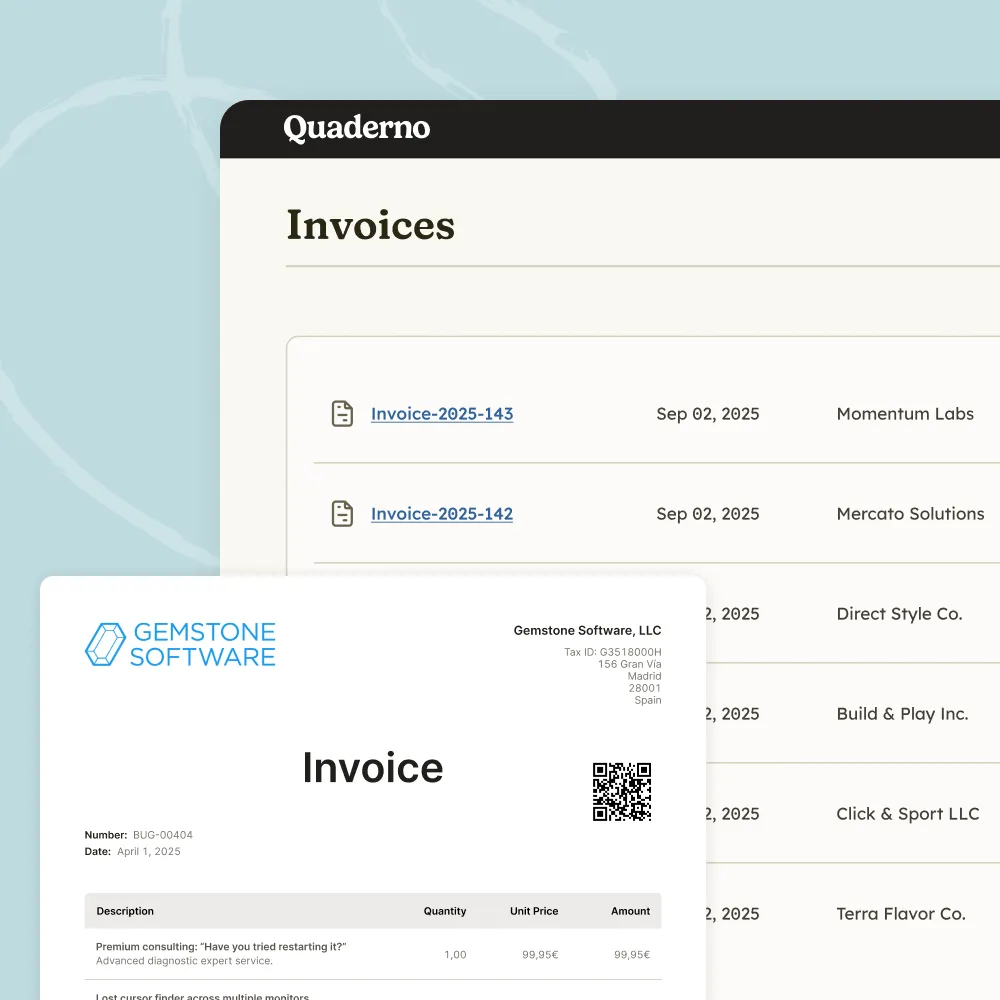
Each time a customer completes a purchase, Quaderno automatically generates a tax-compliant invoice. Kajabi Payments is supported too.
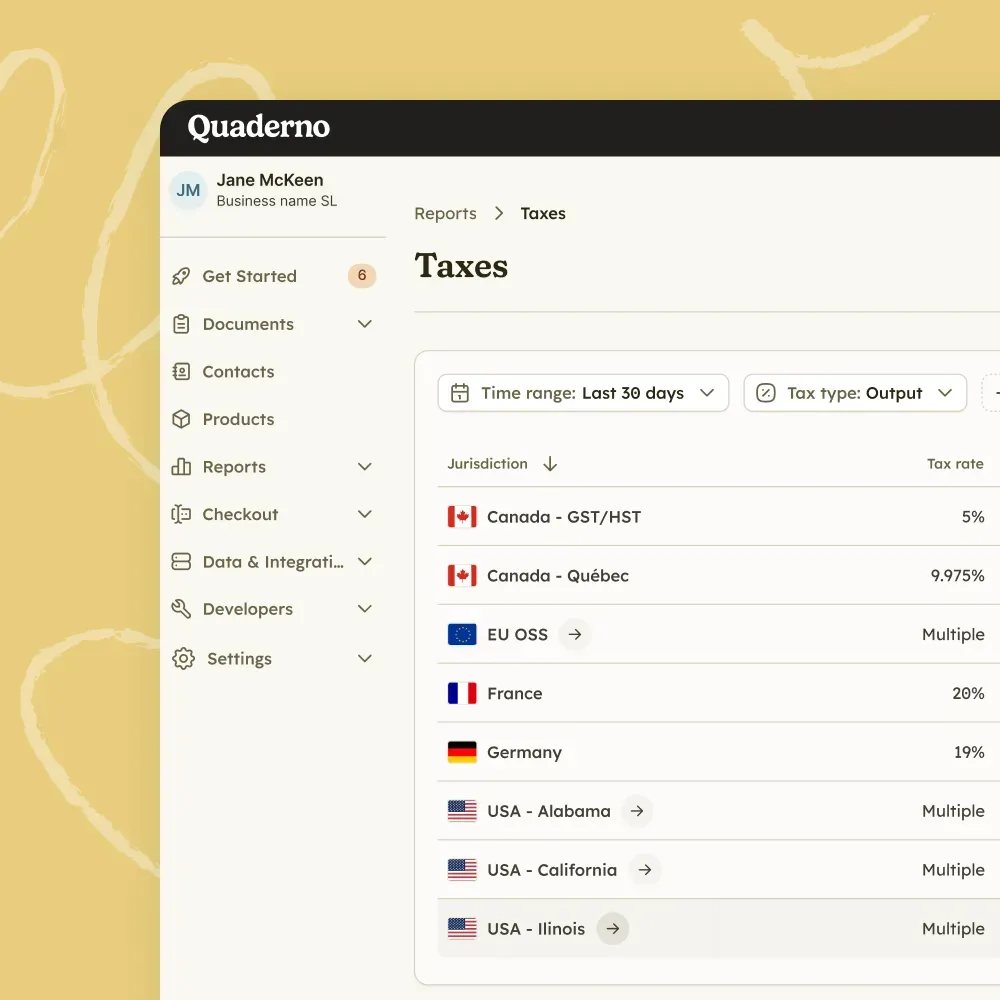
Quaderno breaks down the price and tax based on your customer's location.
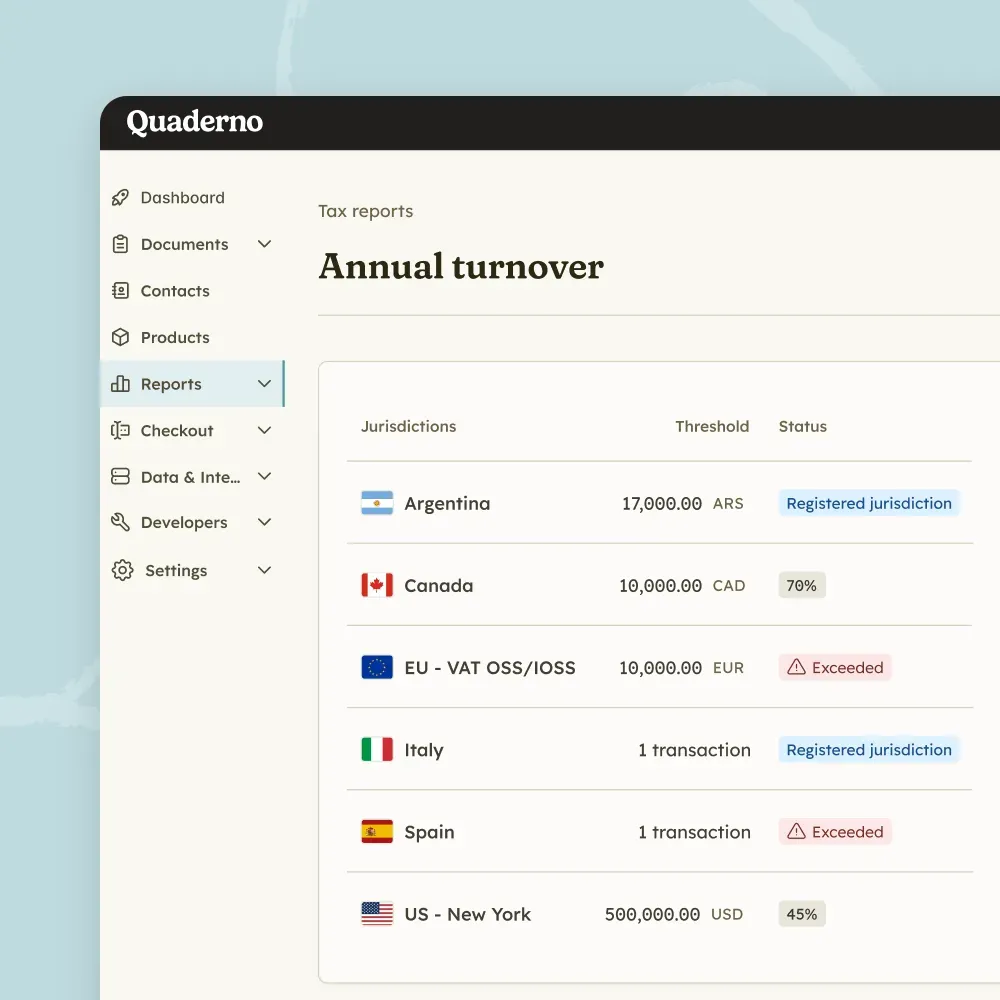
Quaderno emails you when you are approaching a threshold in a jurisdiction and when you reach it, so you can register on time.
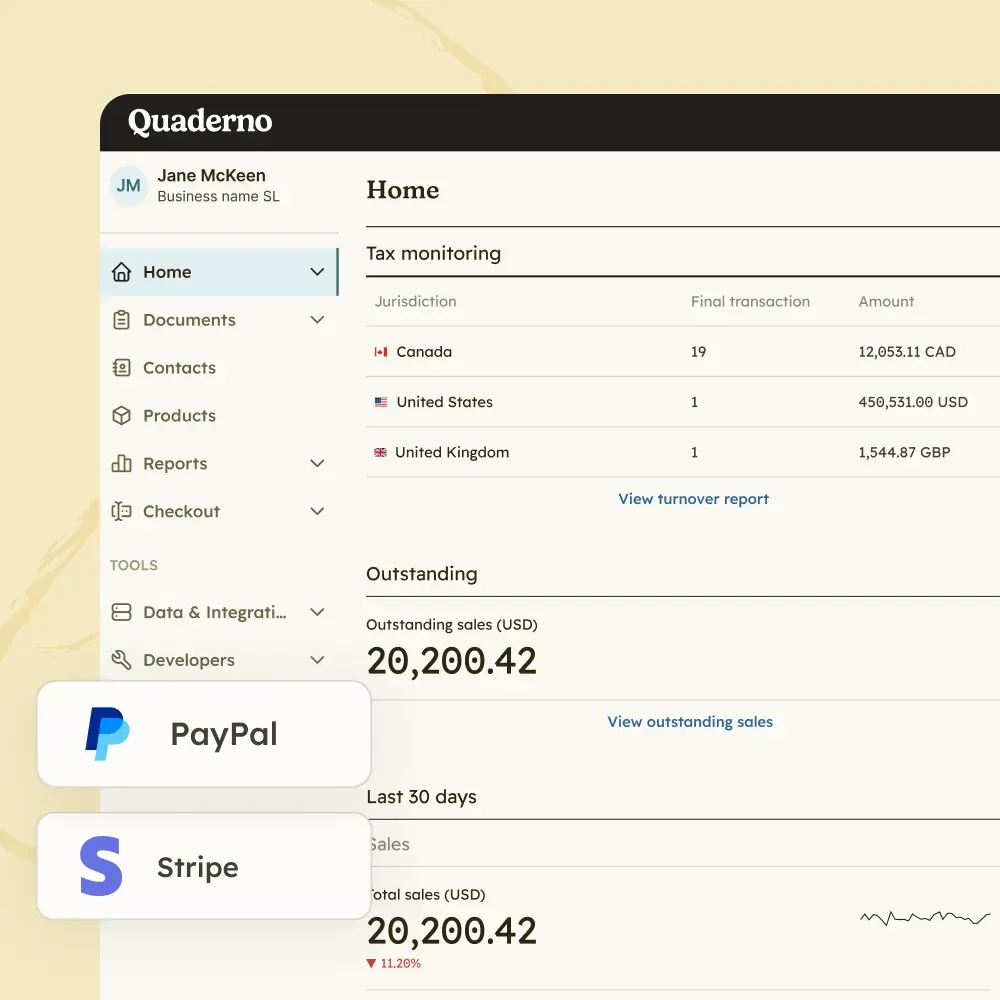
Connect Kajabi alongside your other payment processors and sales channels, and Quaderno totals your sales by state and country across every connected channel.

The best thing about Quaderno is that it gets our data straight from the payment platforms. Hence, we have 90% of the work already done.

Kajabi is where sales start. Quaderno covers every tax step that follows, from threshold monitoring to filing.
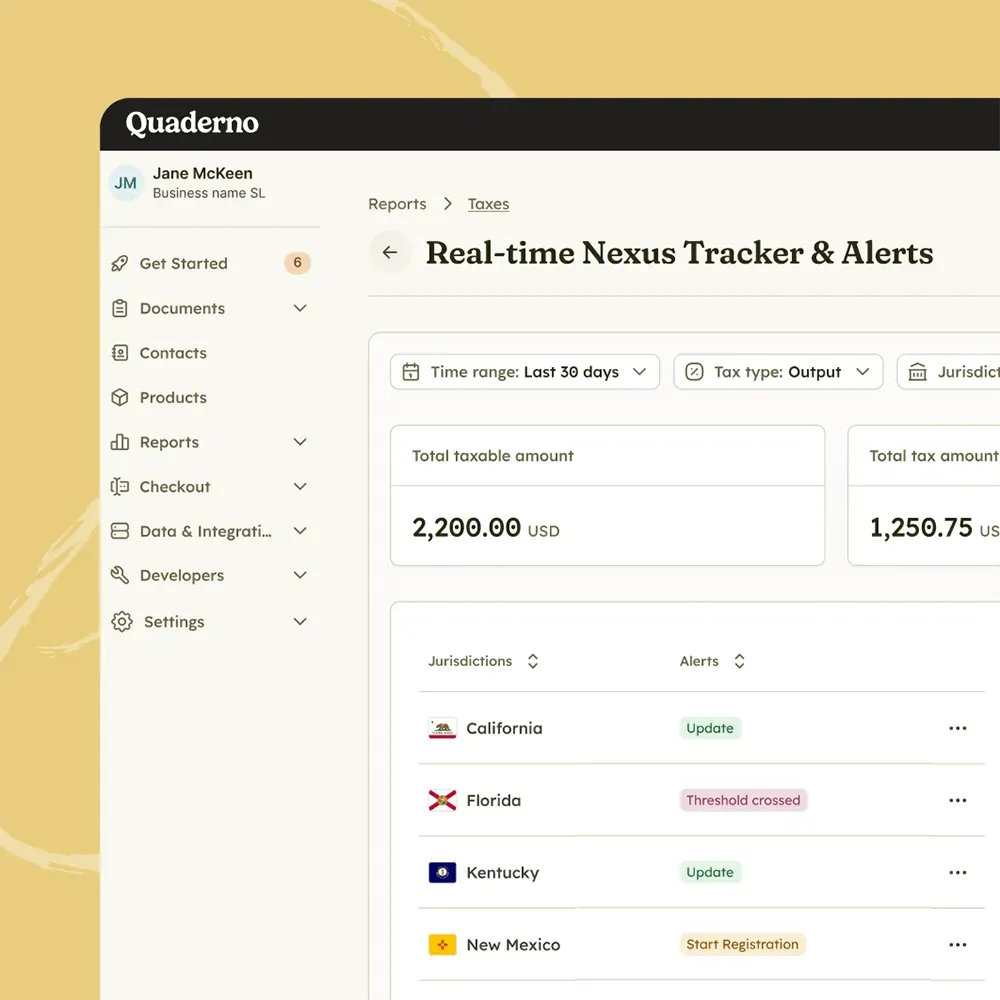
Monitor
Track sales volume, US economic nexus, and international VAT and GST thresholds in real time, so you never miss a registration deadline.
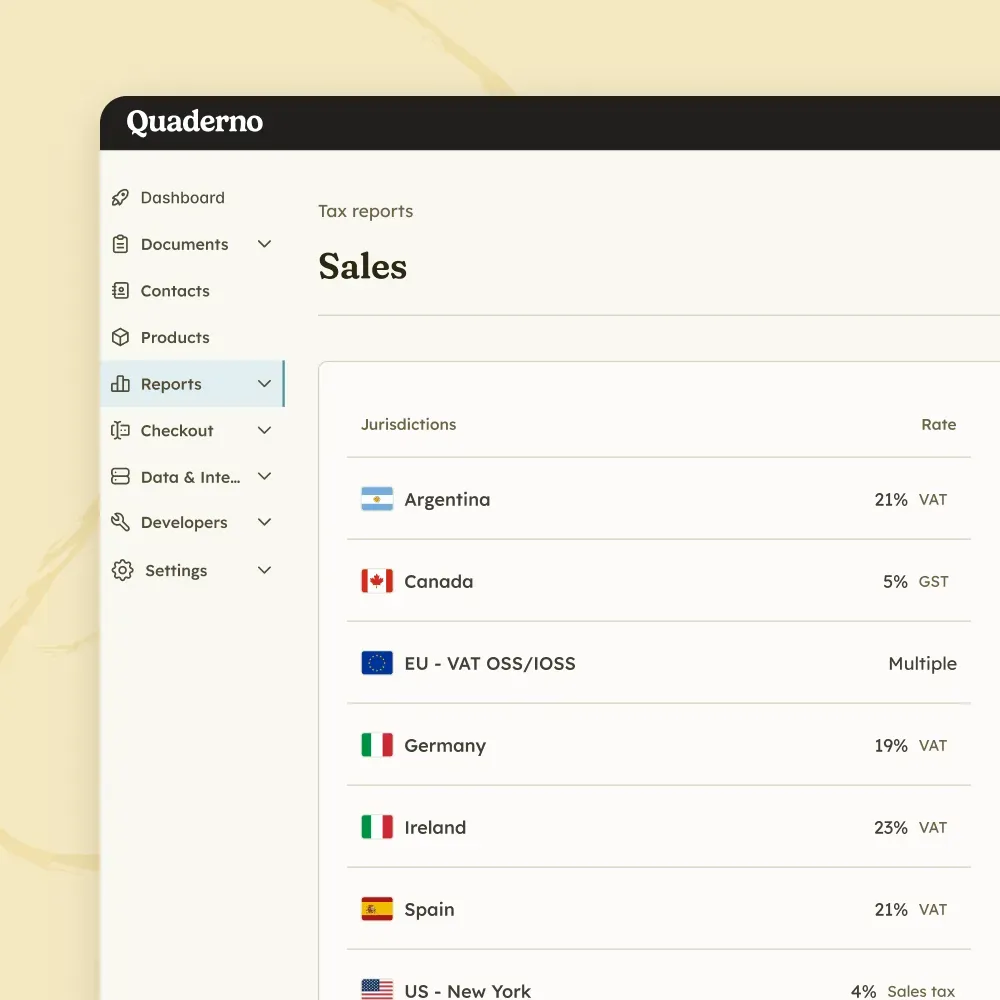
Tax Engine
Calculate sales tax, VAT, and GST in milliseconds, without adding friction to your checkout.
E-Invoicing
Issue structured digital invoices and send real-time transaction data to tax authorities across Europe.
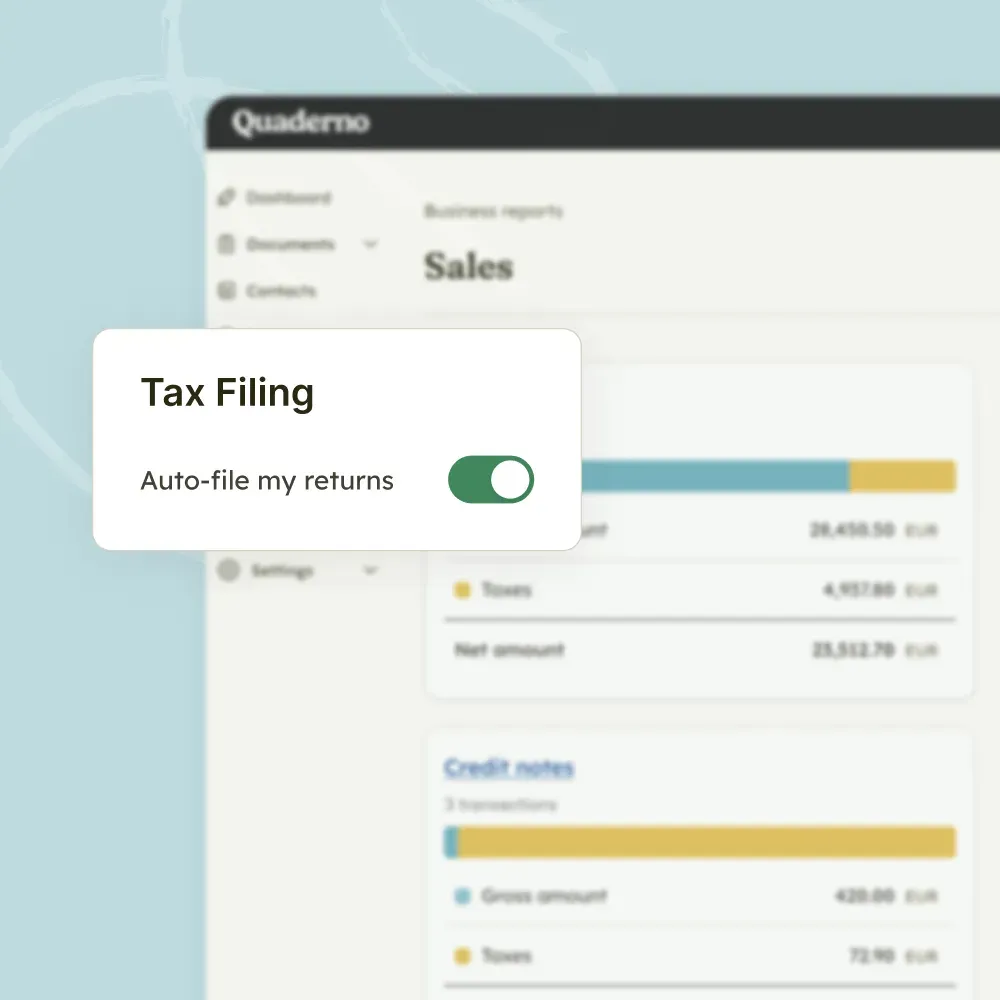
Filing
Turn thousands of transactions into clean, location-specific reports, or let Quaderno file directly with tax authorities.

Quaderno expands on Stripe’s capabilities, adding global tax calculations, automatic invoices, instant tax reports, and more.

Quaderno provides automatic invoices, tax registration alerts, and instant tax reports for your Shopify sales.

Get automatic tax calculations, invoices, tax registration alerts, and instant tax reports for payments through PayPal.

Quaderno is the only all-in-one WooCommerce tax plugin for sales tax, VAT and GST, covering your sales worldwide.

Quaderno sends automatic invoices for Square payments, plus provides you with tax registration alerts & instant tax reports.

Quaderno provides automatic invoices, tax registration alerts, and instant tax reports for your Amazon sales.
Yes. Quaderno connects directly to Kajabi via a native integration. Each time a customer completes a purchase, Quaderno automatically generates a tax-compliant invoice with the correct tax rate based on the customer's location.
Yes. Quaderno's native Kajabi integration supports Kajabi Payments.
The integration requires access to the Kajabi Public API. Check Kajabi's documentation to confirm your plan includes API access before you connect.
Yes. All product prices in Kajabi should include taxes, and Quaderno breaks down the price and tax based on the customer's location.
Refunds and disputes are not sent to Quaderno via Kajabi, so handle them manually in Quaderno.
Quaderno only receives the tax ID that Kajabi captures in the business_number field. If a tax ID is received and it meets the conditions for B2B reverse charge, Quaderno applies reverse charge as normal.
Yes. Quaderno offers a 7-day free trial with full access to all features, including the Kajabi integration. No credit card is required to start. See all plans and prices.
Connect Kajabi once and every Kajabi purchase will turn into a compliant invoice, ready for filing.