The end-to-end WooCommerce tax plugin for sales tax, VAT, and GST
Taxes displayed at checkout, a tax-compliant invoice for every order, and alerts before you cross a new threshold. Return-ready reports and filing services when you need them.

Taxes displayed at checkout, a tax-compliant invoice for every order, and alerts before you cross a new threshold. Return-ready reports and filing services when you need them.



Rebuilding invoices, tax reports, and threshold checks from order exports costs hours every month and leaves gaps an audit will find.
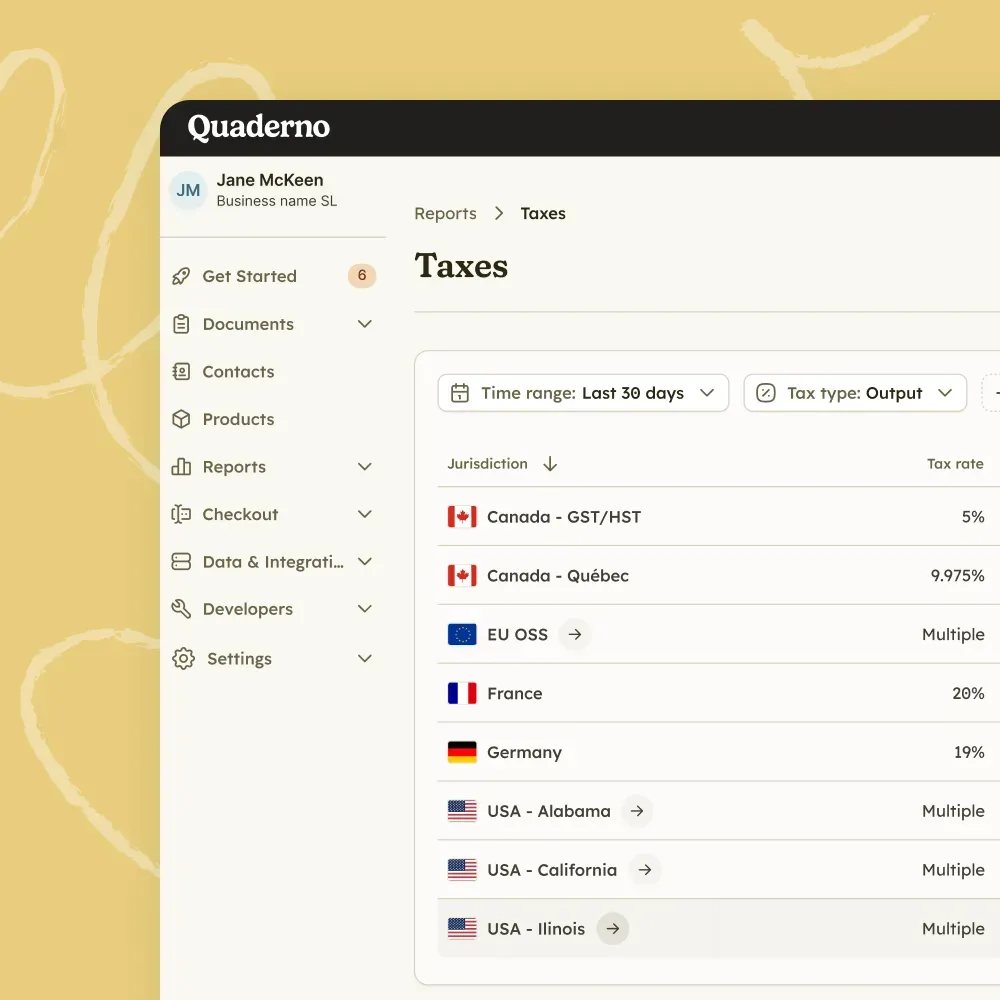
The plugin displays the applicable taxes on your checkout form based on your customer's location, with tax-inclusive or tax-exclusive prices.
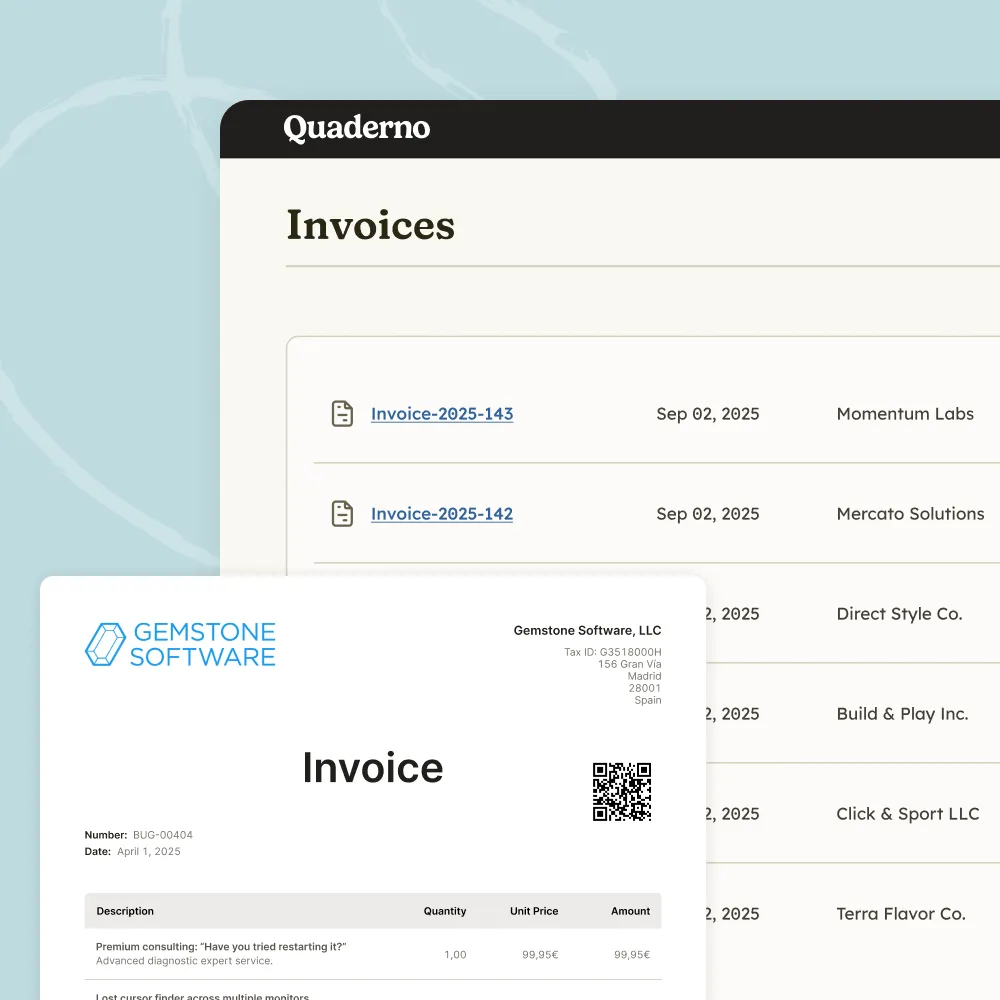
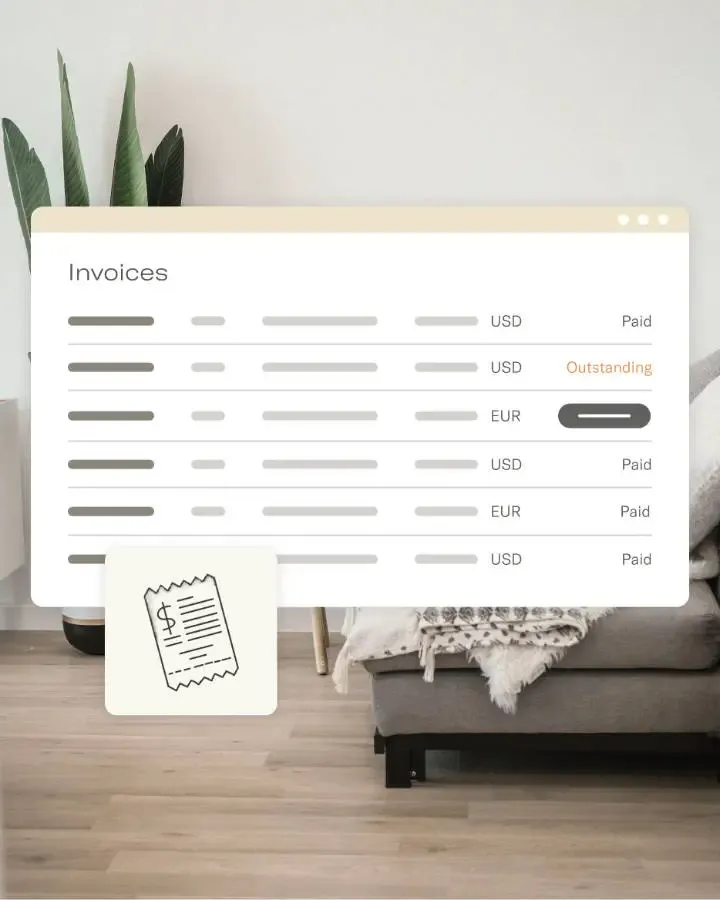
Every sale and refund creates an invoice or credit note in Quaderno as soon as the order is marked paid or completed.
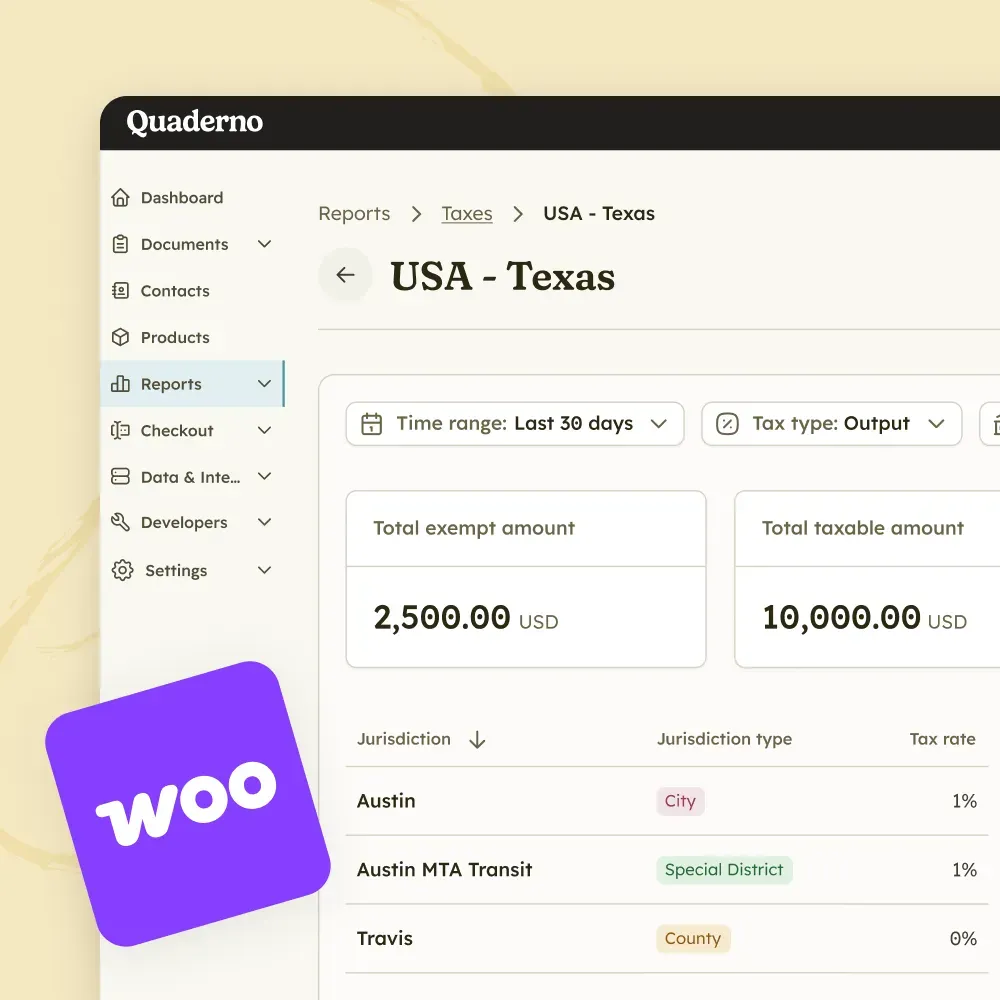
Review taxable and exempt amounts by jurisdiction instead of rebuilding totals from WooCommerce exports.
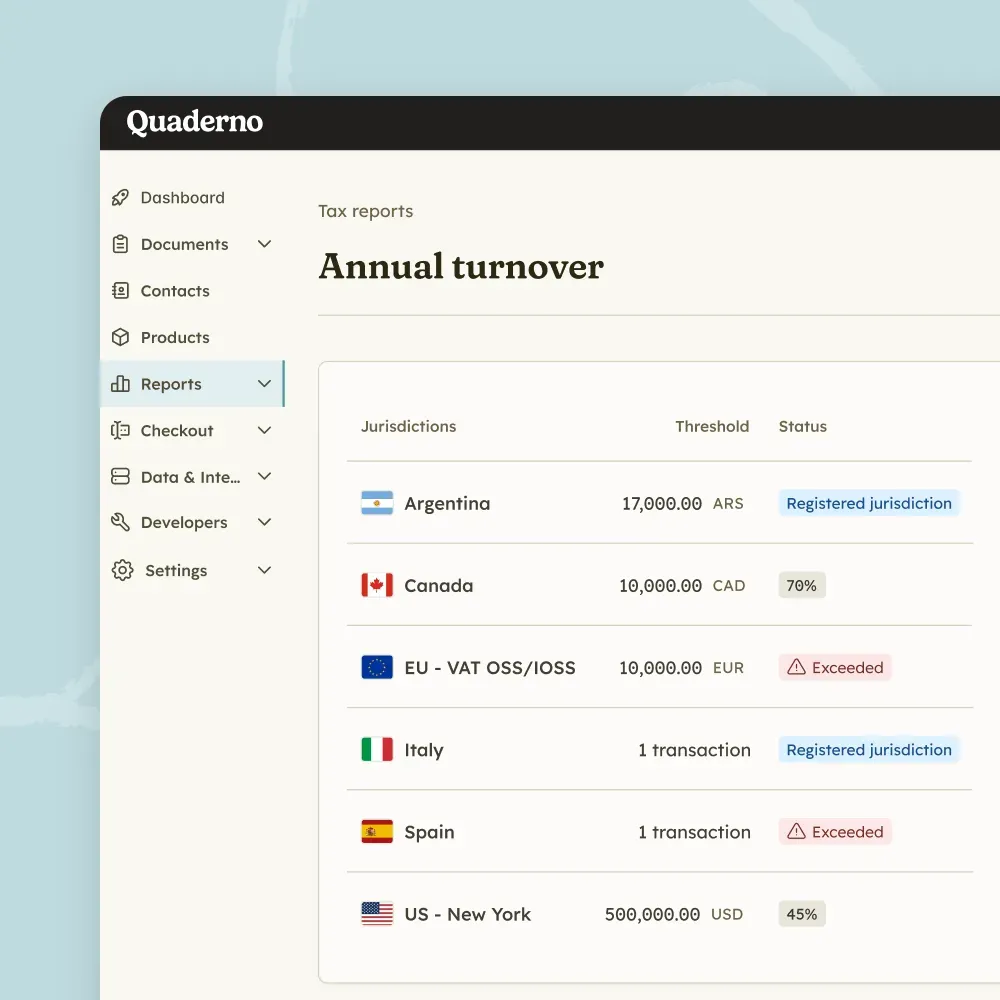
Quaderno emails you when you are approaching a threshold in a jurisdiction and when you reach it, so you can register on time.
Assign Quaderno tax codes to products with different tax rates, from physical goods to digital products and online courses.
Enter your prices with or without tax, and the plugin calculates taxes on the fly based on your customer’s location.
Refund an order in WooCommerce and the matching credit note appears in your Quaderno account.
Link as many WooCommerce stores as you want to one Quaderno account, as long as they share the same legal entity.

At JULES & JENN, as a fast-growing e-commerce company specialized in sustainable footwear, we needed to facilitate our development in marketplaces in different countries while staying compliant. Quaderno has helped us to do so, thanks to the clarity and reliability of their platform.

Your WooCommerce store is where sales start. Quaderno covers every tax step that follows, from threshold monitoring to filing.
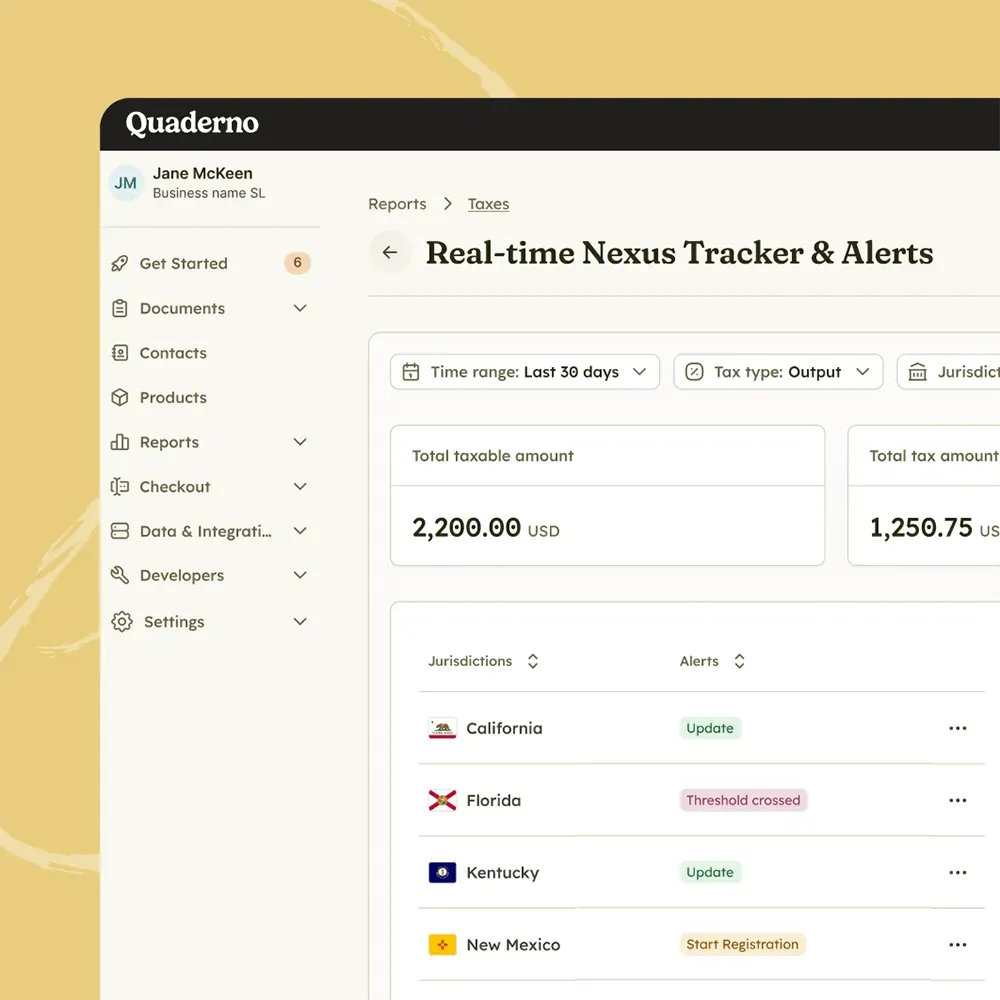
Monitor
Track sales volume, US economic nexus, and international VAT and GST thresholds in real time, so you never miss a registration deadline.
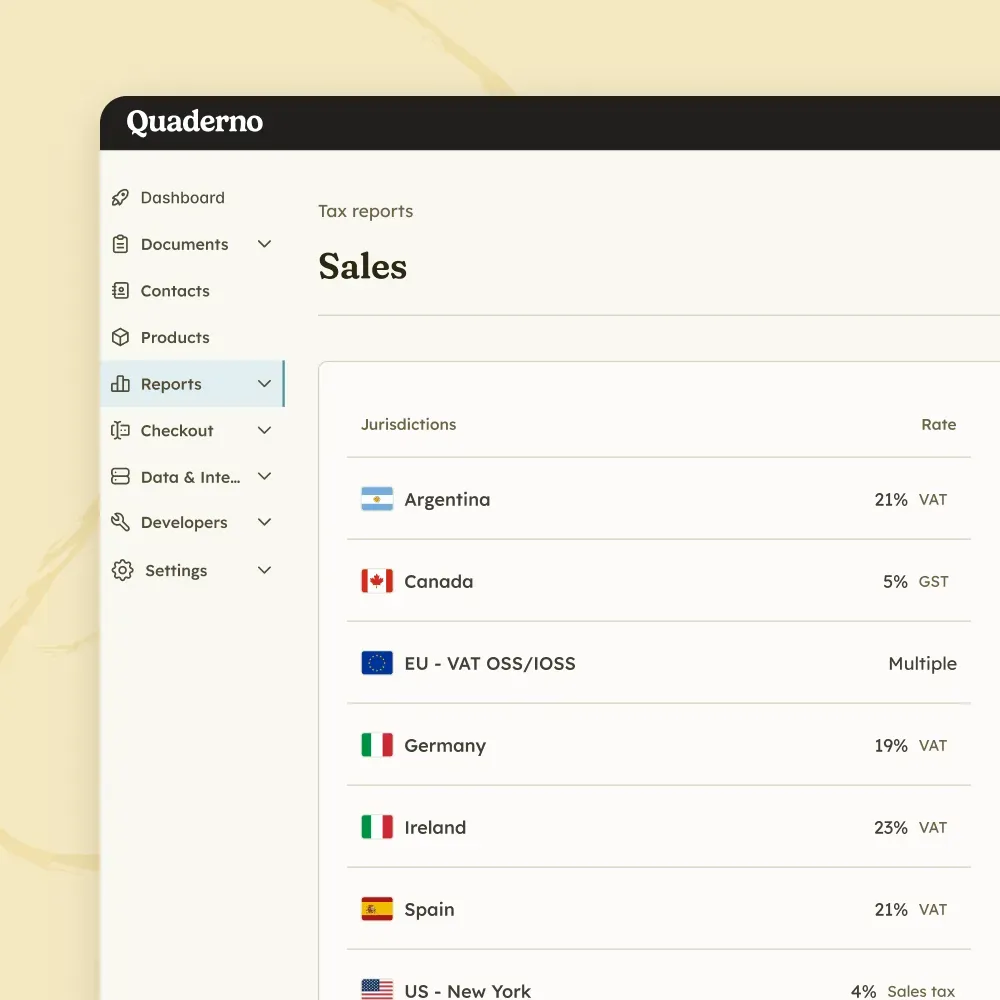
Tax Engine
Calculate sales tax, VAT, and GST in milliseconds, without adding friction to your checkout.
E-Invoicing
Issue structured digital invoices and send real-time transaction data to tax authorities across Europe.
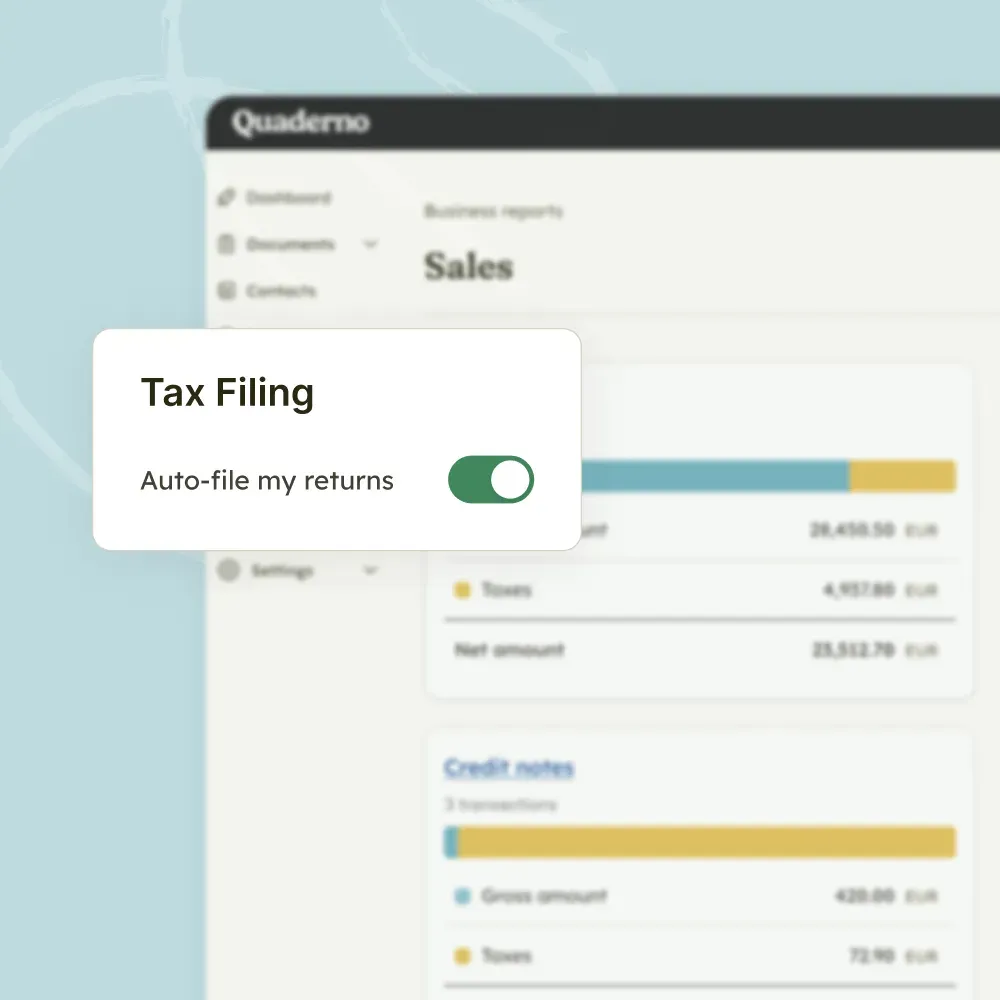
Filing
Turn thousands of transactions into clean, location-specific reports, or let Quaderno file directly with tax authorities.

Quaderno expands on Stripe’s capabilities, adding global tax calculations, automatic invoices, instant tax reports, and more.

Quaderno provides automatic invoices, tax registration alerts, and instant tax reports for your Shopify sales.

Get automatic tax calculations, invoices, tax registration alerts, and instant tax reports for payments through PayPal.

Quaderno sends automatic invoices for Square payments, plus provides you with tax registration alerts & instant tax reports.

Quaderno provides automatic invoices, tax registration alerts, and instant tax reports for your Amazon sales.

Quaderno offers automated invoicing and tax calculations for your direct debit payments via GoCardless.
Quaderno’s plugin works with WooCommerce’s built-in tax calculation: you activate WooCommerce taxes, and Quaderno displays the applicable taxes on your checkout form. It then handles what comes after the sale: tax-compliant invoices and credit notes, VAT, GST, and sales tax reports, and emails when you are approaching a registration threshold or reach it.
Quaderno integrates seamlessly with WooCommerce. Below are some of the key compatibility features with our integration:
Yes. You can link as many WooCommerce stores as you want to your Quaderno account, provided they are all managed by the same legal entity.
Quaderno automatically generates a credit note whenever you process a refund for an order previously marked as “Paid” or “Completed”. Refund the order in WooCommerce, since changing the order status alone does not generate a credit note.
No. The new Checkout Blocks are not currently supported, so you need to switch to the Classic Checkout.
Only “simple subscriptions” are currently supported for recurring payments. “Variable subscriptions” are not.
WooCommerce does not include the warehouse origin in the order data it sends to Quaderno, so the plugin cannot support orders that ship from different locations. The recommended fix is to run one WooCommerce store per warehouse.
The plugin cannot import past orders automatically, but you can export your completed orders as a CSV file and import it from the invoices page in your Quaderno account.
Yes. Quaderno offers a 7-day free trial with full access to all features, including the WooCommerce integration. No credit card is required to start. See all plans and prices.
Install the plugin once and every order will turn into a compliant invoice, ready for filing.