Xero integration for your Quaderno invoices, expenses, and credit notes
Export your invoices, expenses, and credit notes from Quaderno to Xero, mapped to your tax rates, sales accounts, and bank accounts.

Export your invoices, expenses, and credit notes from Quaderno to Xero, mapped to your tax rates, sales accounts, and bank accounts.



Typing invoices, expenses, and tax amounts into Xero one by one takes hours every month and leaves room for mistakes.
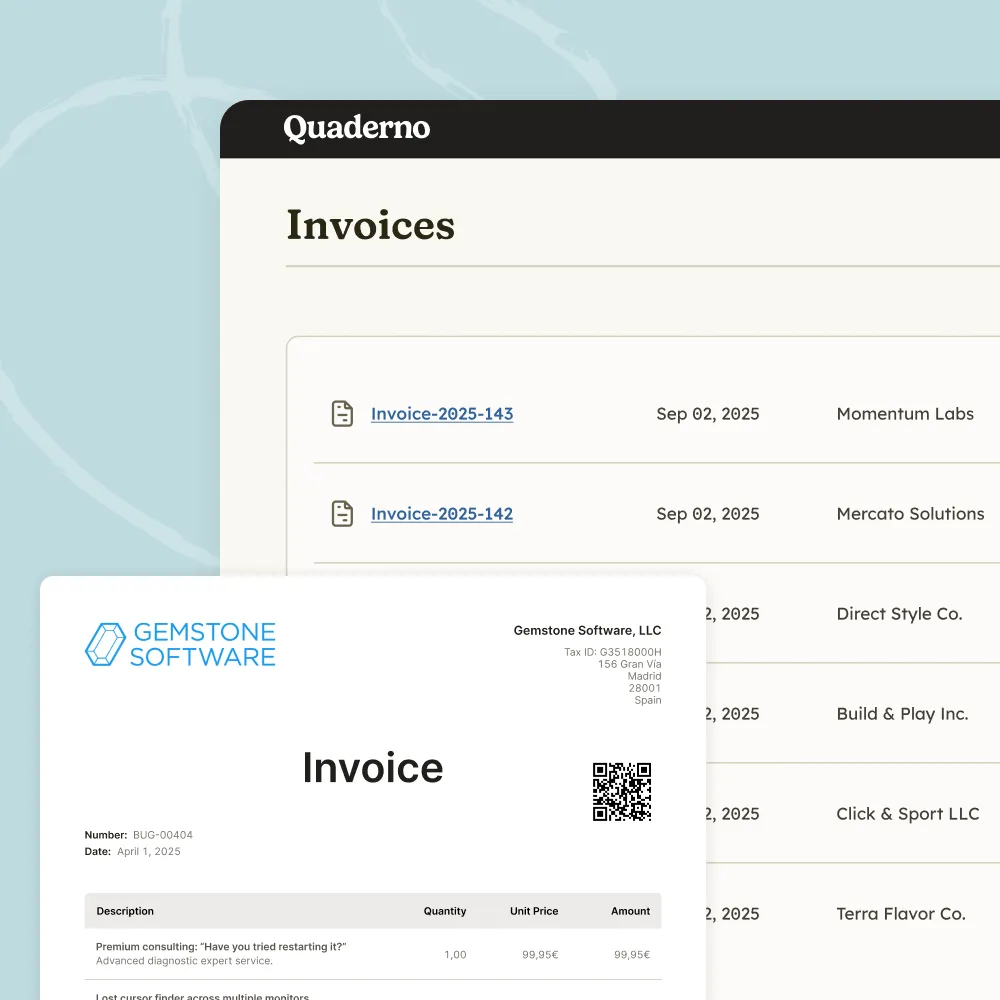
Export all your invoices, expenses, and credit notes from Quaderno to your Xero account.
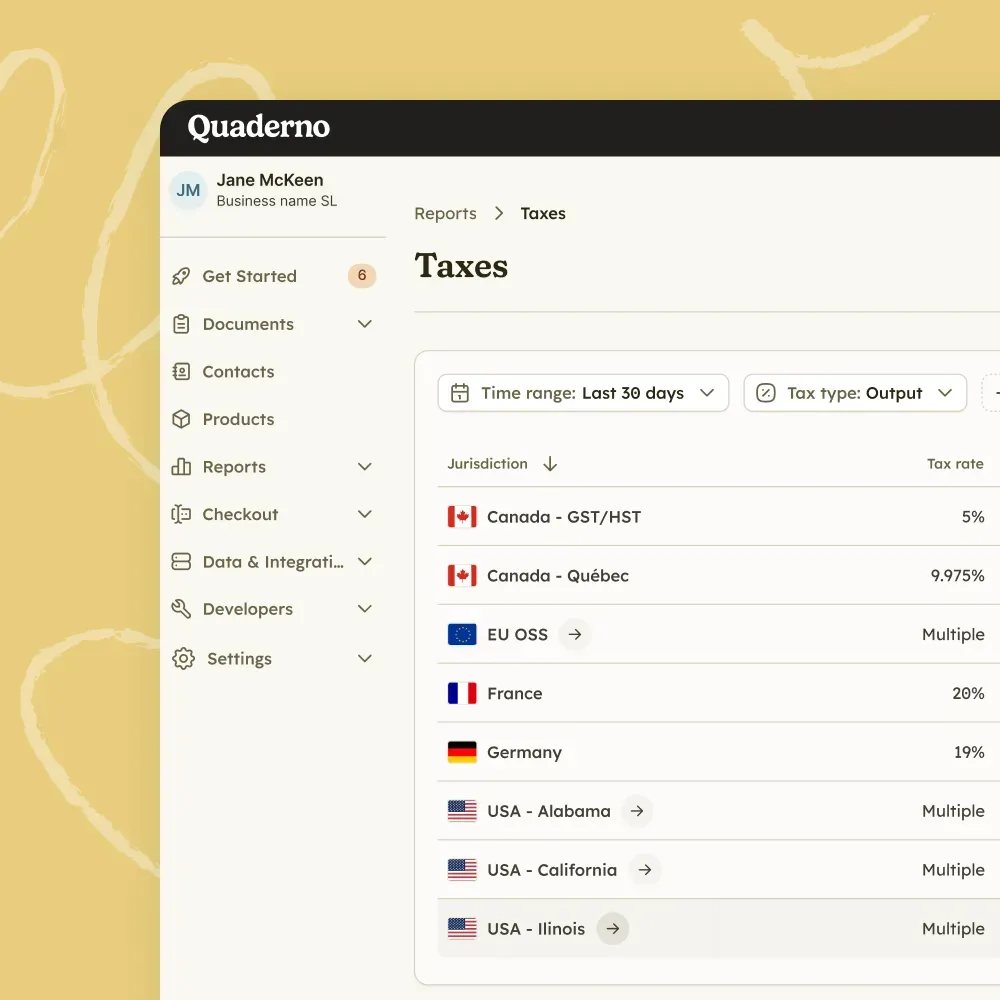
Map each Quaderno tax jurisdiction to a Xero tax rate, with accounts for EC sales and sales with no tax.
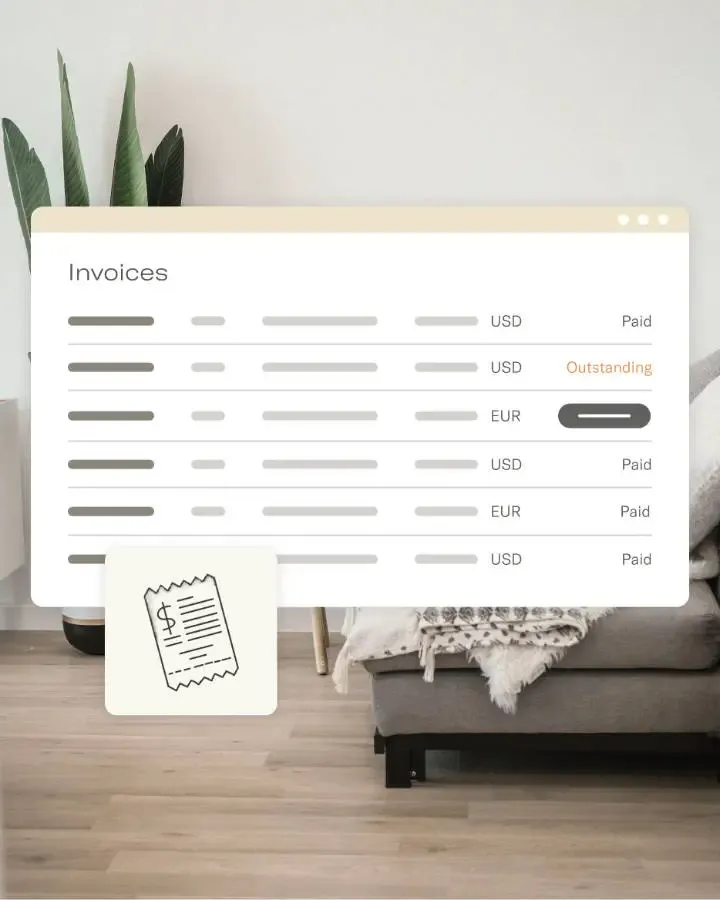
Choose a default sales account and an expenses account, and send each Quaderno product to its own sales account if you need to.
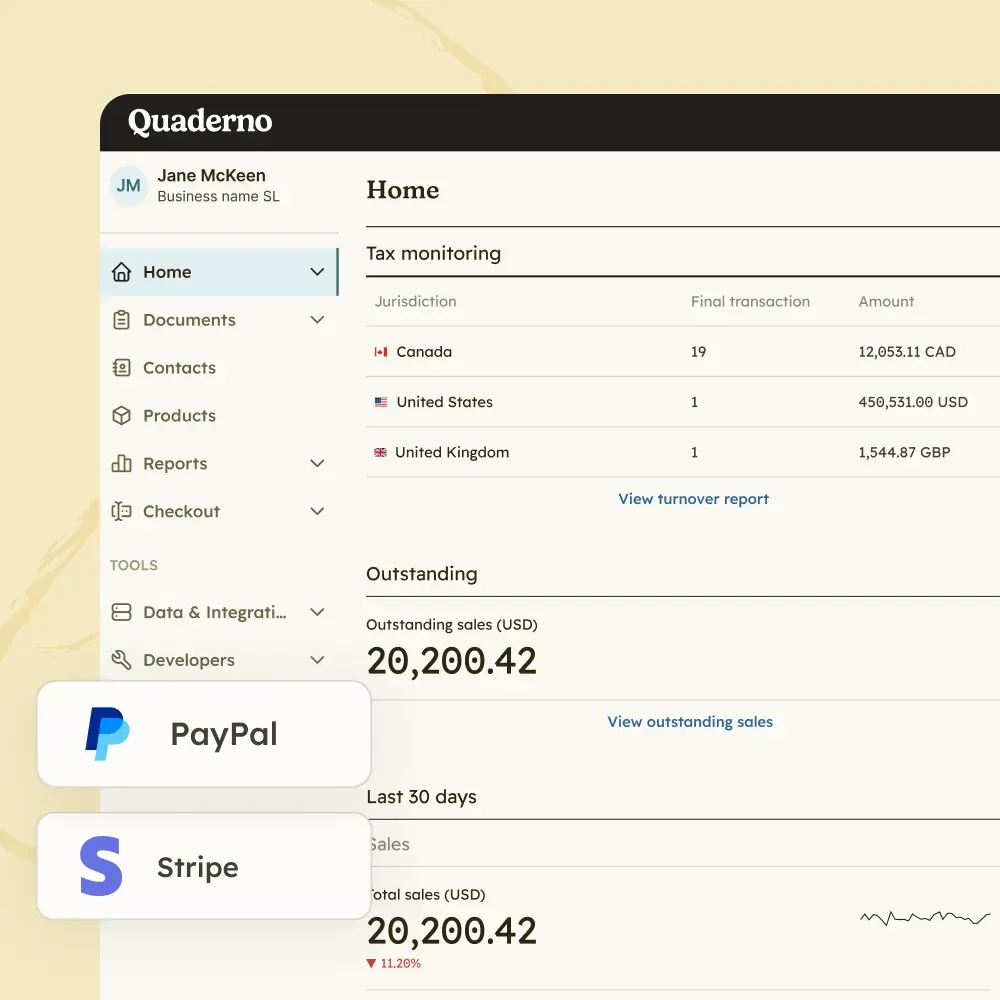
Map Stripe, PayPal, GoCardless, and Braintree payments to their own Xero accounts, by invoice currency and payment processor.
The integration works from Quaderno to Xero. Any invoice or credit note you create directly in Xero will not appear in Quaderno.
Past transactions are not exported automatically when you connect, to avoid duplicates with your past accounting records.
Quaderno invoices are exported with their tags, and tags in the xero_category_name-xero_option_name format sync to your Xero tracking categories.
Map your sales by invoice currency and payment processor, and reconcile payments automatically if you want.

The best thing about Quaderno is that it gets our data straight from the payment platforms. Hence, we have 90% of the work already done.

Xero is where you keep your books. Quaderno covers every tax step before them, from threshold monitoring to filing.
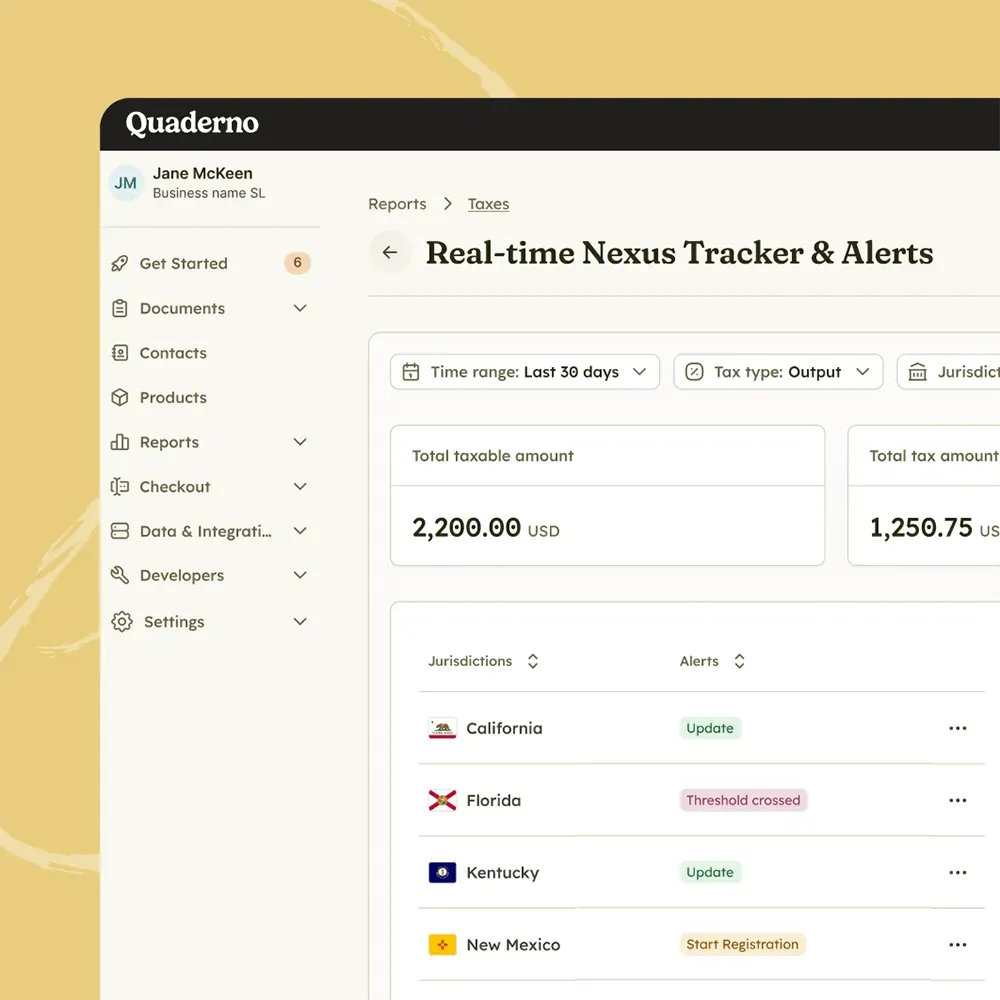
Monitor
Track sales volume, US economic nexus, and international VAT and GST thresholds in real time, so you never miss a registration deadline.
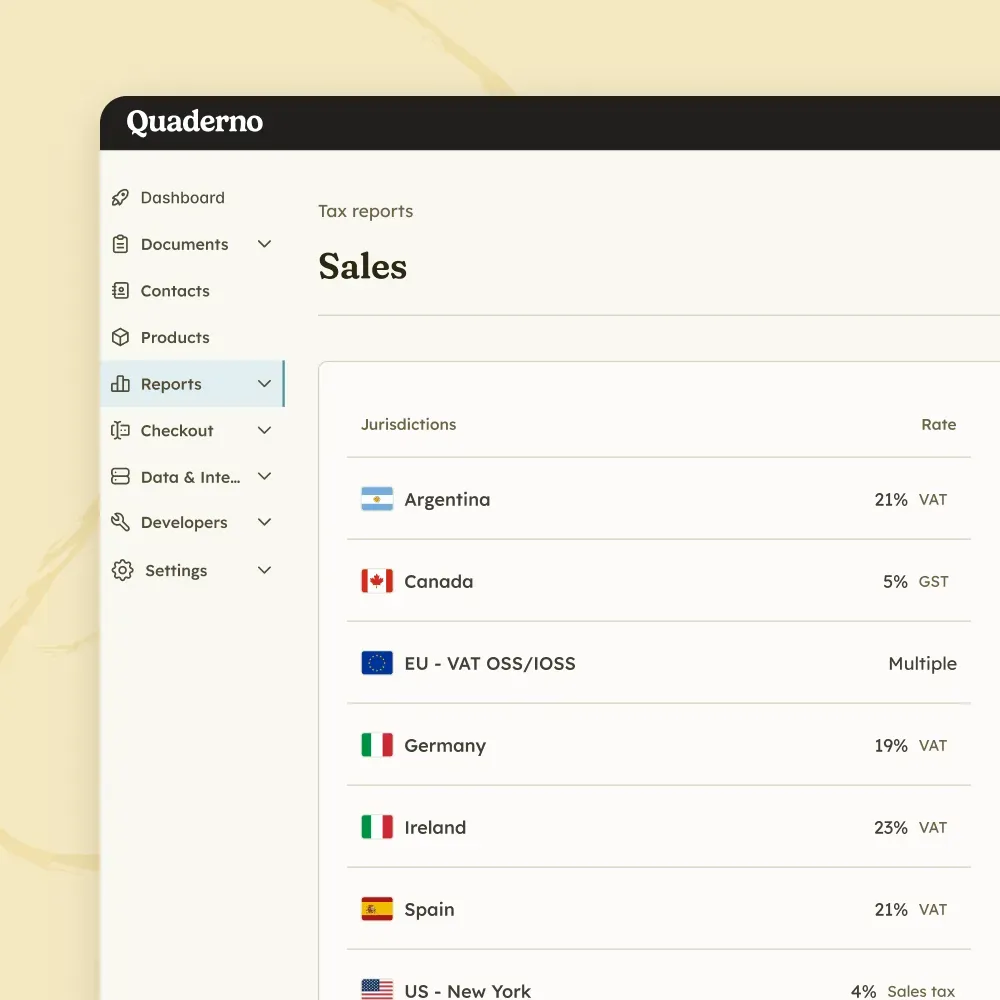
Tax Engine
Calculate sales tax, VAT, and GST in milliseconds, without adding friction to your checkout.
E-Invoicing
Issue structured digital invoices and send real-time transaction data to tax authorities across Europe.
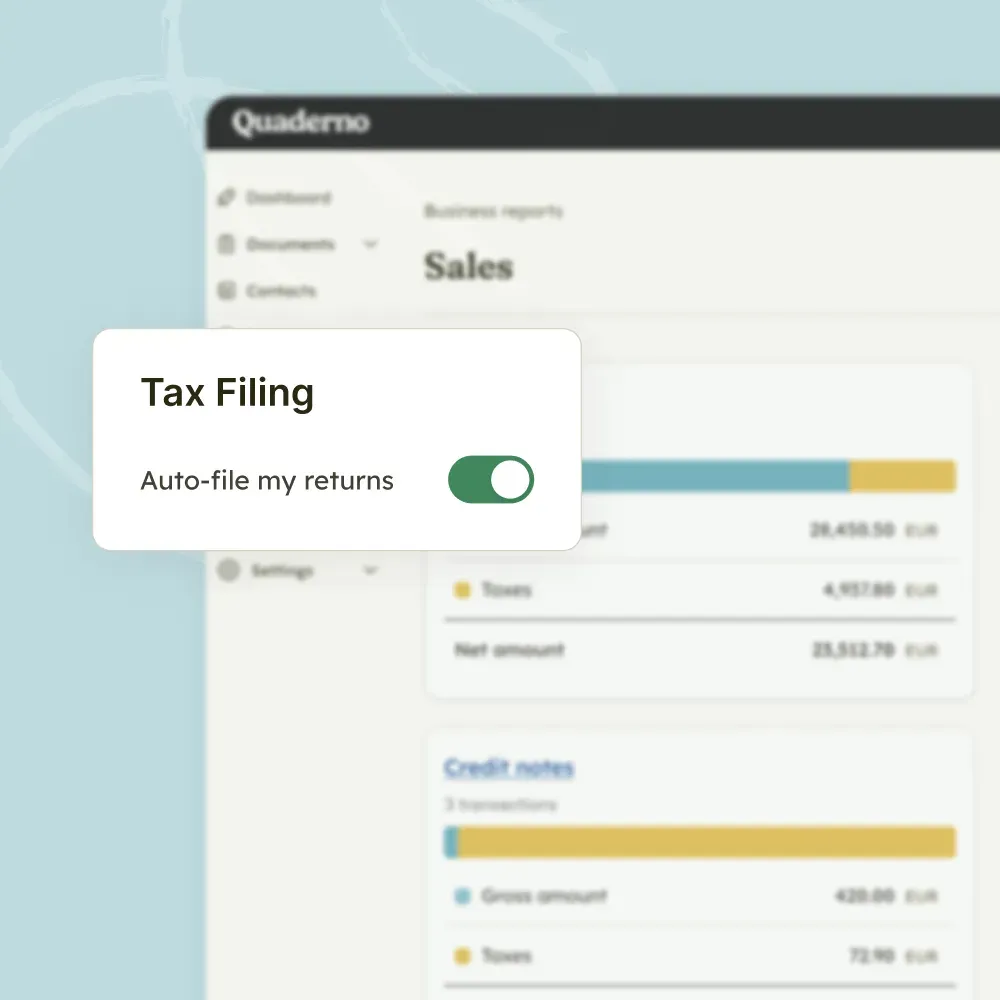
Filing
Turn thousands of transactions into clean, location-specific reports, or let Quaderno file directly with tax authorities.

Quaderno expands on Stripe’s capabilities, adding global tax calculations, automatic invoices, instant tax reports, and more.

Quaderno provides automatic invoices, tax registration alerts, and instant tax reports for your Shopify sales.

Get automatic tax calculations, invoices, tax registration alerts, and instant tax reports for payments through PayPal.

Quaderno is the only all-in-one WooCommerce tax plugin for sales tax, VAT and GST, covering your sales worldwide.

Quaderno sends automatic invoices for Square payments, plus provides you with tax registration alerts & instant tax reports.

Quaderno provides automatic invoices, tax registration alerts, and instant tax reports for your Amazon sales.
Yes. You can export all your invoices, expenses, and credit notes from Quaderno to your Xero account.
No. The integration works one way, from Quaderno to Xero. Any invoice or credit note you create directly in Xero will not appear in Quaderno.
No. To avoid duplicates with your past accounting records in Xero, past transactions in your Quaderno account are not exported automatically when you connect. If you would like to export them, contact us.
On the integrations page, select Xero and set up your tax rate mapping: a default tax account, an account for EC sales if your company is in the EU, an account for sales with no tax, and specific Xero tax rates for each tax jurisdiction.
Yes. You can choose a default Xero account for Stripe, PayPal, GoCardless, and Braintree payments, and one for all other payment methods. You can also map your sales based on the invoice currency and payment processor.
Yes. Quaderno offers a 7-day free trial with full access to all features, including the Xero integration. No credit card is required to start. See all plans and prices.
Connect Xero once and your Quaderno invoices, expenses, and credit notes will be exported to it.