Automatic tax calculation by location with Jotform and Quaderno
Jotform offers a Quaderno widget that calculates the correct tax rate on your forms based on your customer's location, so your checkout forms stay tax-compliant worldwide.

Jotform offers a Quaderno widget that calculates the correct tax rate on your forms based on your customer's location, so your checkout forms stay tax-compliant worldwide.



Looking up rates and adding tax to your forms by hand takes time, and it is easy to get wrong when you sell in more than one place.
Setup and configuration are managed entirely inside Jotform.

The best thing about Quaderno is that it gets our data straight from the payment platforms. Hence, we have 90% of the work already done.

Your Jotform forms are where payments start. Quaderno covers every tax step that follows, from threshold monitoring to filing.
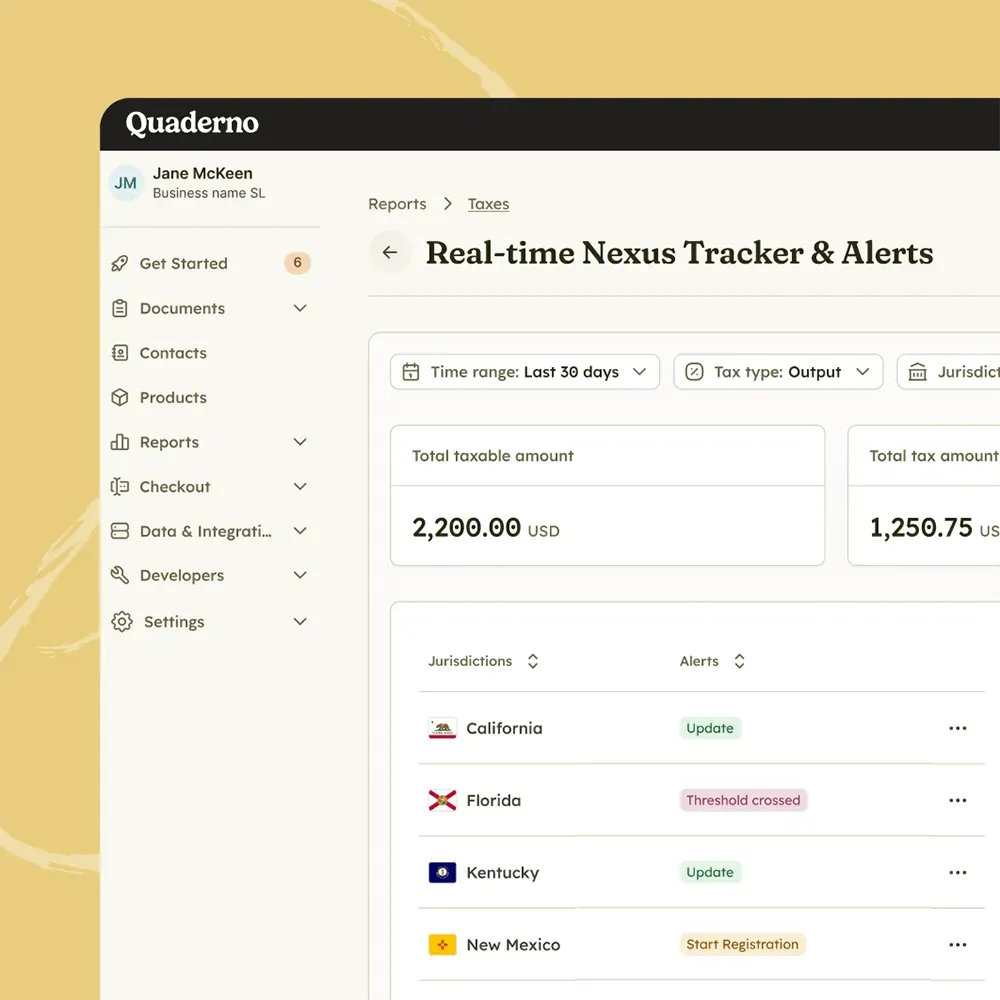
Monitor
Track sales volume, US economic nexus, and international VAT and GST thresholds in real time, so you never miss a registration deadline.
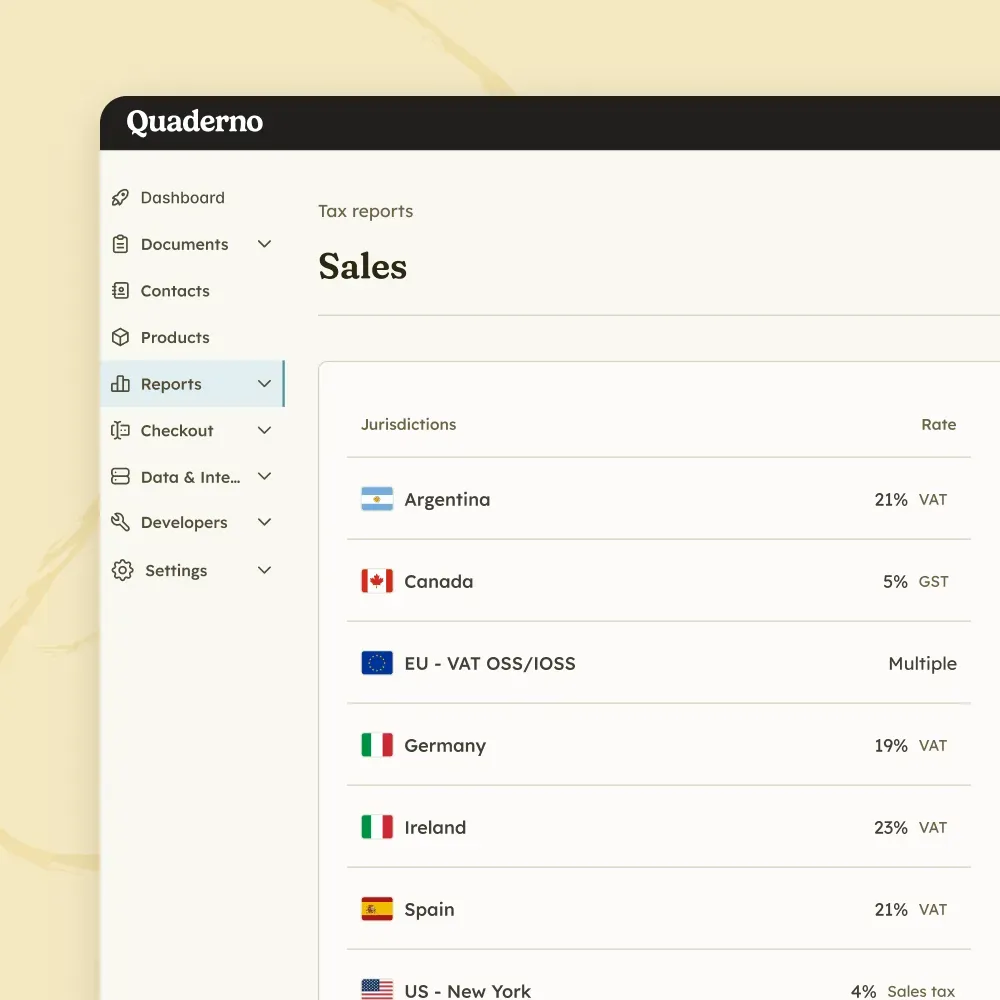
Tax Engine
Calculate sales tax, VAT, and GST in milliseconds, without adding friction to your checkout.
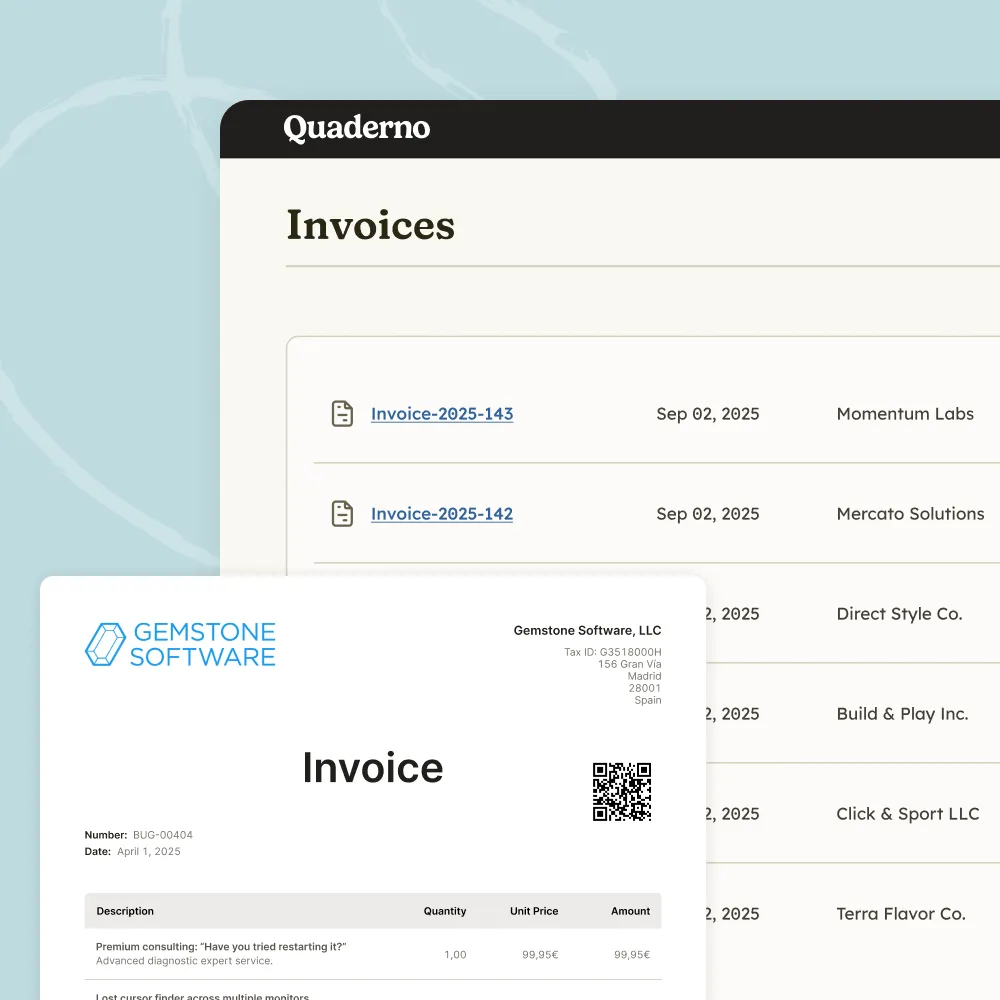
E-Invoicing
Issue structured digital invoices and send real-time transaction data to tax authorities across Europe.
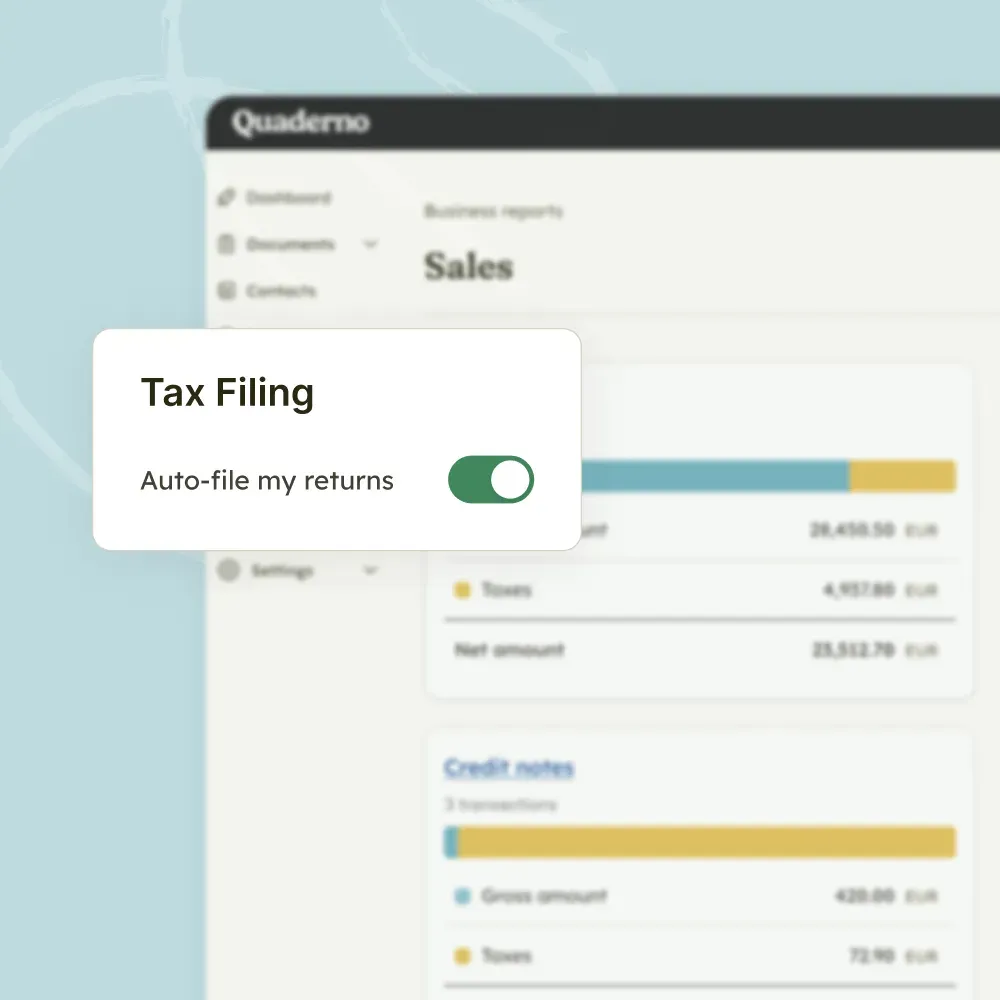
Filing
Turn thousands of transactions into clean, location-specific reports, or let Quaderno file directly with tax authorities.

Quaderno expands on Stripe’s capabilities, adding global tax calculations, automatic invoices, instant tax reports, and more.

Quaderno provides automatic invoices, tax registration alerts, and instant tax reports for your Shopify sales.

Get automatic tax calculations, invoices, tax registration alerts, and instant tax reports for payments through PayPal.

Quaderno is the only all-in-one WooCommerce tax plugin for sales tax, VAT and GST, covering your sales worldwide.

Quaderno sends automatic invoices for Square payments, plus provides you with tax registration alerts & instant tax reports.

Quaderno provides automatic invoices, tax registration alerts, and instant tax reports for your Amazon sales.
It automatically calculates the correct tax rate on your forms, based on your customer's location. With the widget, you can calculate the right sales tax or VAT based on customer location, add tax automatically to your Jotform payment forms, and keep your checkout forms tax-compliant worldwide.
Setup and configuration are managed entirely inside Jotform. Read Jotform's guide to calculating sales tax by location using the Quaderno widget, or find the Quaderno Tax Rates widget on Jotform.
Jotform manages and maintains the widget, so contact Jotform Support with questions about installation or functionality.
Add the Quaderno widget to your forms and the right sales tax or VAT will be calculated for each customer's location.